A line drops in the middle of the shift
The stop is reported, the remaining orders are resequenced, and the changeover already scheduled is not paid twice.
The problem Sequencing done by hand, and a plan that stops matching reality.
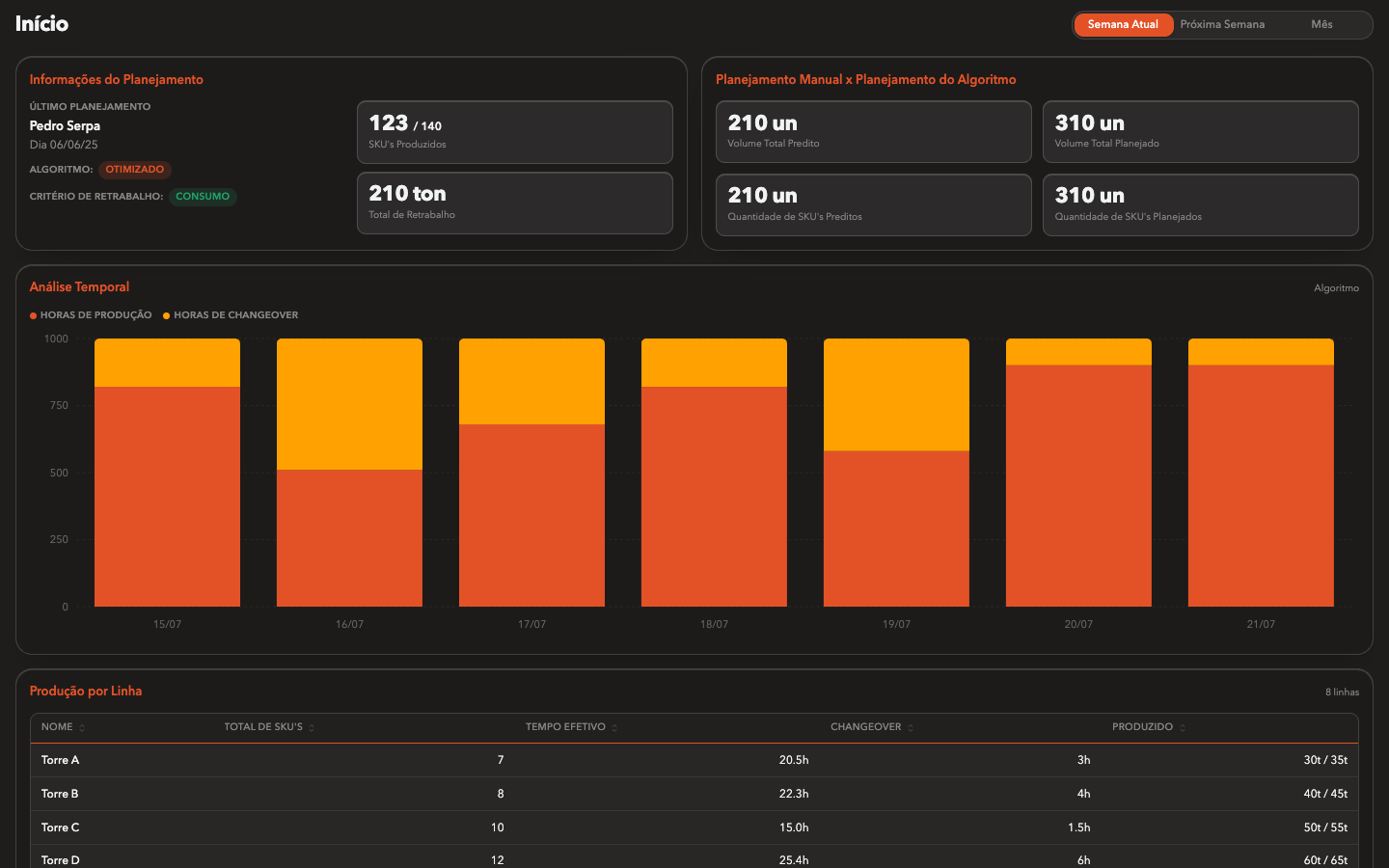
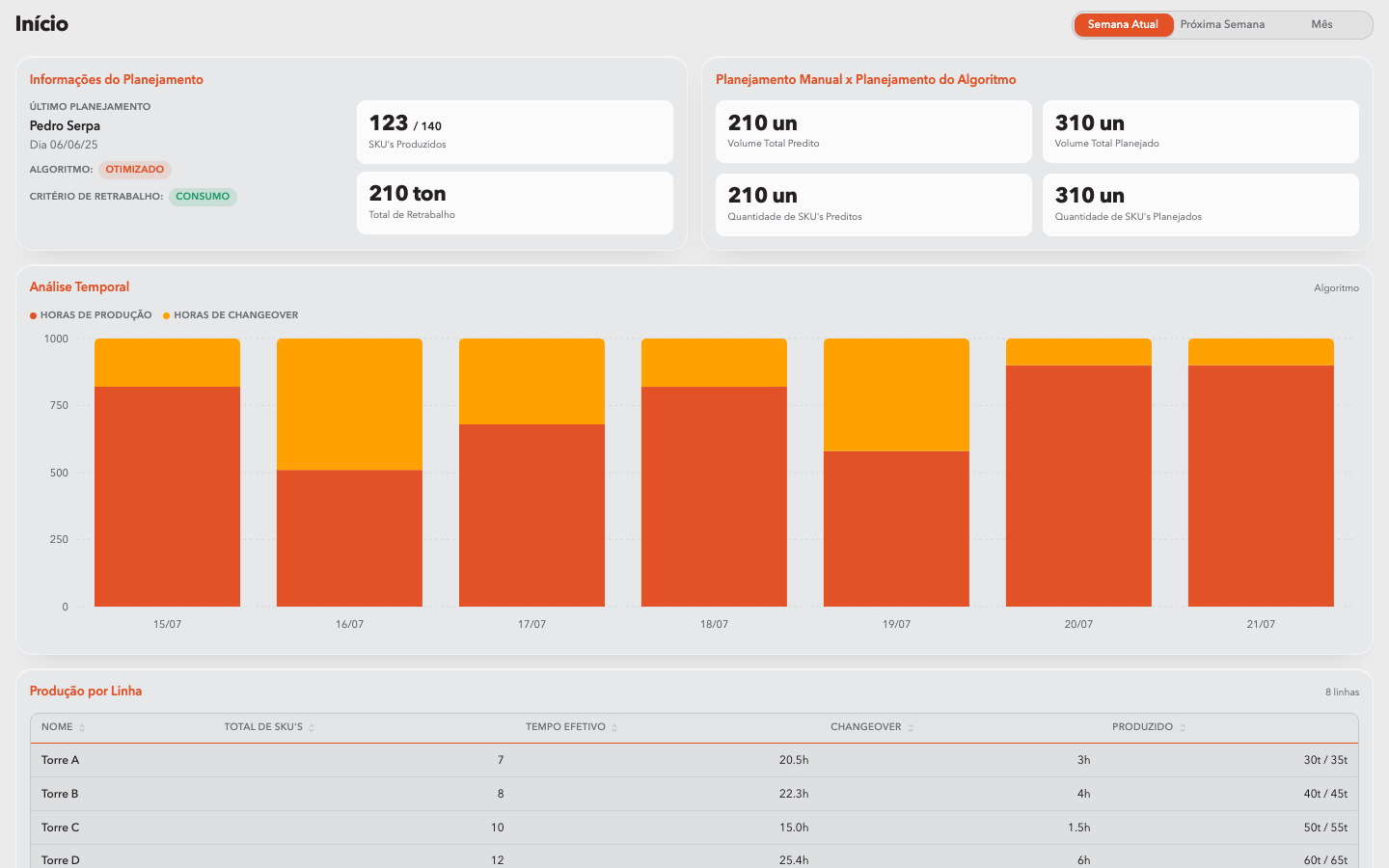
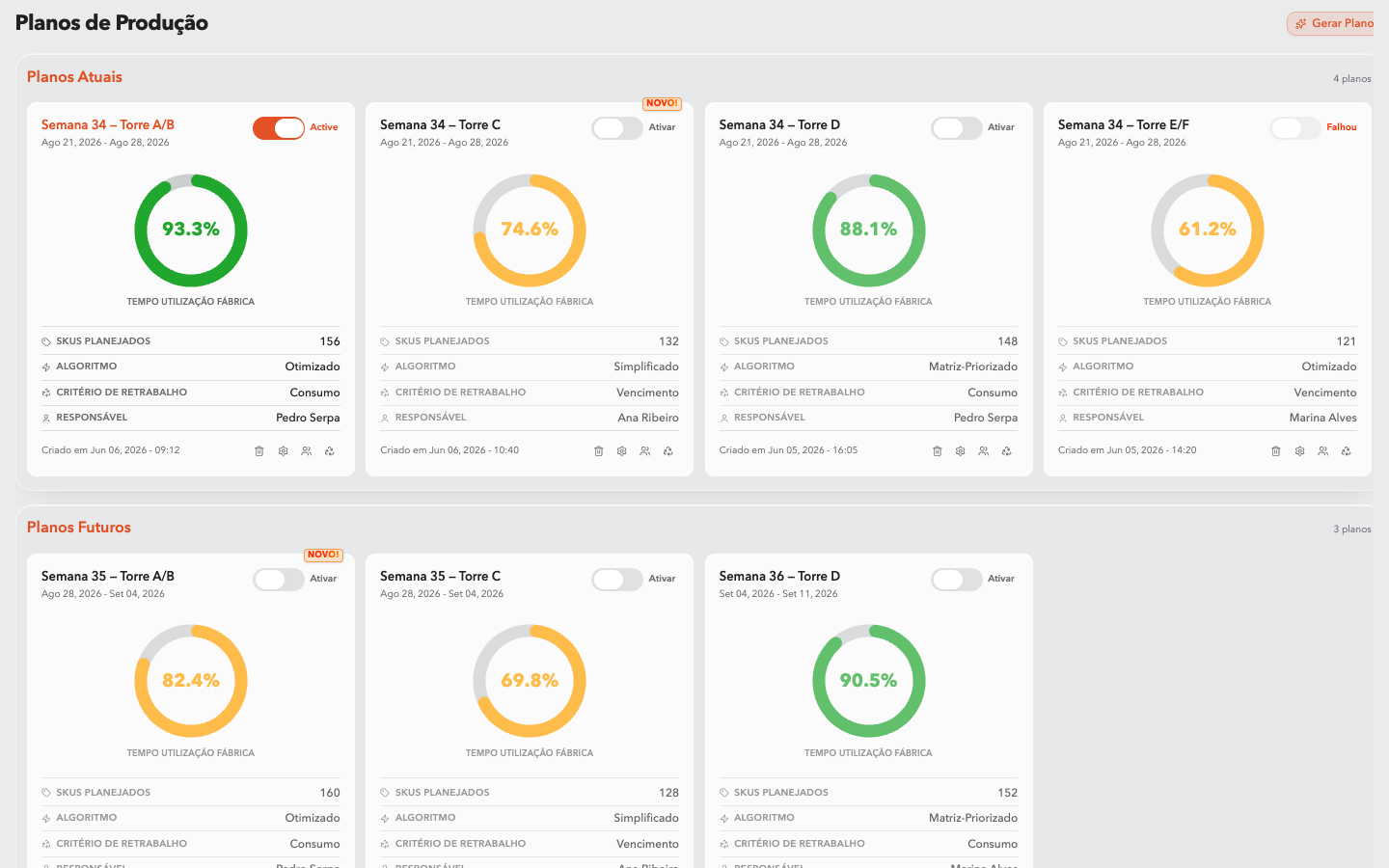
Who produces what, when and on which line. The algorithm builds the timeline respecting changeovers, constraints and capacity.
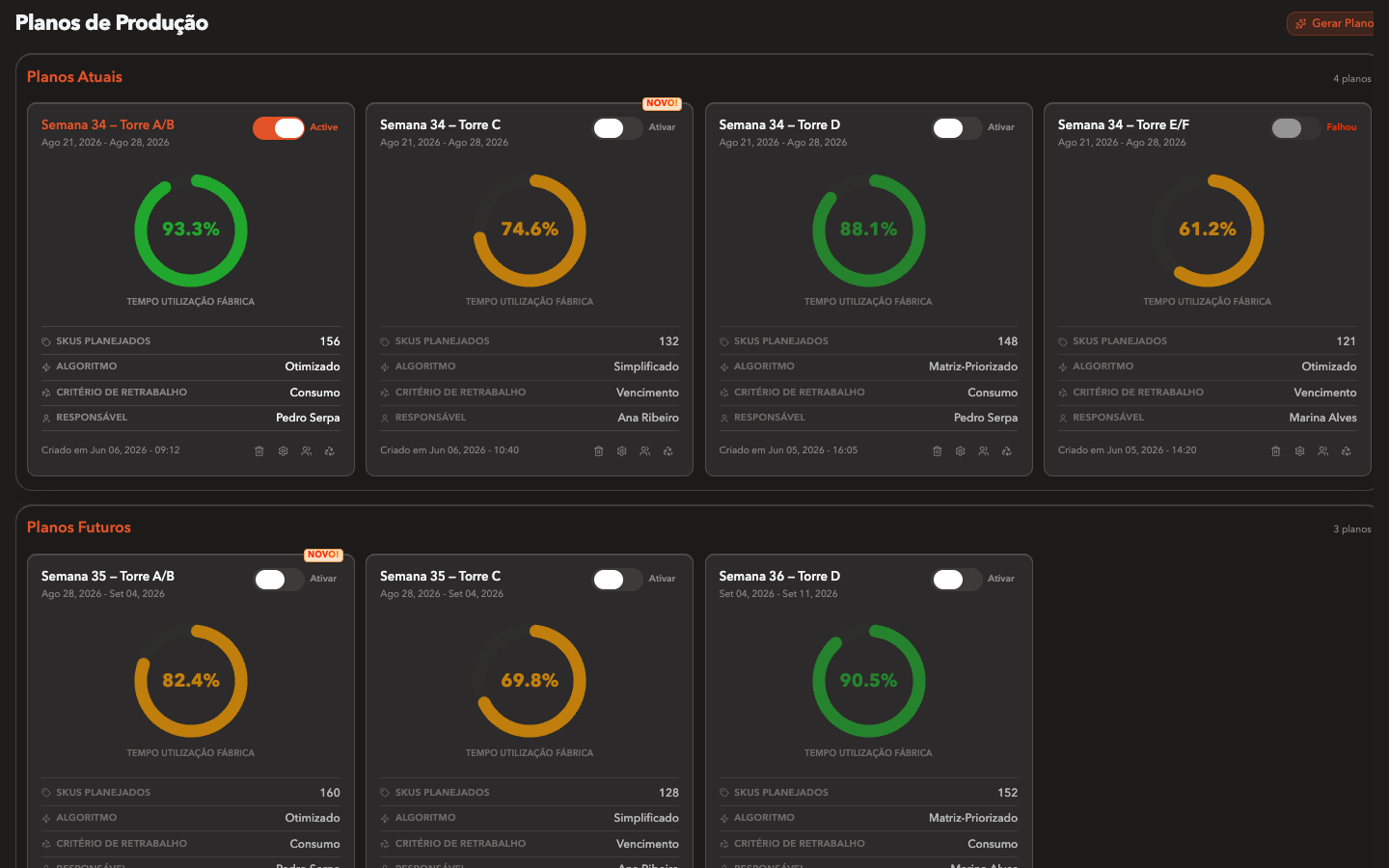
Production reportingScreens captured from the running application, with demonstration data.
Firm orders, forecast and delivery dates land in the plan, together with each line's calendar and its capacity per product.
Setups, changeovers, product families and equipment availability define what can run where, and in which order it costs less.
Simulate a different sequence and see the effect on delivery dates, setup time and idle capacity before committing anything.
Production reporting comes back from the floor. When reality diverges, the sequence is replanned from where the operation actually is.
Production reporting
This is the hard requirement. Without it, the capability has nothing to read.
The sequence stops living in a spreadsheet on someone's machine. Planning, production and sales look at the same week.
Capacity, setup and material are already in the account, so the date that goes out is a date the plant can hold.
Compatible products get grouped in the sequence, and cleaning or setup stops being repeated for no reason.
When a line drops, the plan is rebuilt from where the operation actually is, inside the same shift.
The stop is reported, the remaining orders are resequenced, and the changeover already scheduled is not paid twice.
Simulate the insertion, see which deliveries slip, and answer with a date instead of a guess.
Group compatible products in the sequence and cut cleaning and setup without touching the machines.
The shift knows what runs next, on which line and in which order, without waiting for someone to redo the sequence by hand.
Families, cleaning rules and setup constraints are respected by the sequence itself, instead of being remembered case by case.
Delivery risk and idle capacity show up before the customer calls, and every commitment has a scenario behind it.
Every capability reads from and feeds the others. What this one exchanges inside the operation:
Production reporting is the same data both read. Real availability and the stop history correct the capacity the sequence is built on.
A line only counts as available when there is a qualified operator for the post. Shift coverage feeds the plan.
Inventory movements say whether the material for the next order is there, before the sequence promises a date.
Bring your order book and your line list. In the demo we plan a real week with you.